

← All projects

Project parts & buying guide

Compact home server · 2026

A low-power hub for local files and useful home services, with a separate backup plan.

Parts for this build

Choose a part for each role. Check the exact variant and what the listing includes.

Some links may earn Cortech a commission at no extra cost to you. As an Amazon Associate I earn from qualifying purchases. Prices vary; check the retailer for current prices and availability.

Part photo coming soon

Part 1 · Qty 1

Amazon

Raspberry Pi 4 Model B, 4GB listing

Computer / mini PC

This is a specific Amazon product page for a 4GB Pi 4 variant, rather than the 2GB baseline. The page could not be verified for current availability during research; confirm the listing before buying.

$120.49 each · $120.49 for this row · See Amazon for exact pricing

View Amazon product ↗
Part photo coming soon

Part 2 · Qty 1

SunFounder

SanDisk 32GB Ultra microSDHC

Operating-system storage

Use for the operating system; keep data and tested backups on separate storage. Confirm the included quantity.

$31.99 each · $31.99 for this row

View SunFounder product ↗
Part photo coming soon

Part 3 · Qty 1

Amazon search · fallback

USB external data drive

Data storage

No specific drive page was verified on the requested retailers. Choose a capacity for your files and confirm the listing includes a USB enclosure.

$31.70 each · $31.70 for this row

Find an external drive on Amazon ↗
Part photo coming soon

Part 4 · Qty 1

Local / online computer-parts retailer

External drive enclosure matched to the selected drive

Storage adapter / enclosure

No suitable specific enclosure page was verified. Select the drive first; match its form factor and interface (for example, 2.5-inch SATA) to the enclosure.

$7.35 each · $7.35 for this row

Part photo coming soon

Part 5 · Qty 1

Amazon search · fallback

Cat6 Ethernet patch cable

Ethernet cable

No specific cable product page was verified. Choose the cable length needed to reach the router safely.

$7.35 each · $7.35 for this row

Find a Cat6 cable on Amazon ↗
Part photo coming soon

Part 6 · Qty 1

SunFounder

Raspberry Pi 4 USB-C power supply and case with fan

Power supply / cooling

Both listings specify Pi 4 compatibility. The power supply is rated 5.1V/3A; keep the case's cooling surfaces unobstructed.

$29.99 each · $29.99 for this row

View Pi 4 power supply ↗View Pi 4 case with fan ↗
Part photo coming soon

Part 7 · Qty 1

Amazon search · fallback

Second USB external backup drive

Separate backup storage

No specific backup-drive page was verified on the requested retailers. Use a second physical drive, separate from the data drive, and test restoring files from it.

$12.45 each · $12.45 for this row

Find a backup drive on Amazon ↗
Primary parts subtotal: $241.32
0 part prices vary by seller, model, and availability. Check each retailer listing before buying. Shipping, tax, tools, and optional extras are not included.

Read this before buying

Check 01

Choose storage around capacity, drive interface, mounting space, and available power. Confirm what is actually included with a used computer.

Check 02

Plan a separate backup destination before you store important files. More services do not replace a tested backup.

Check 03

Decide which services you need first. Keep access on your local network while you verify accounts and permissions.

The finished build

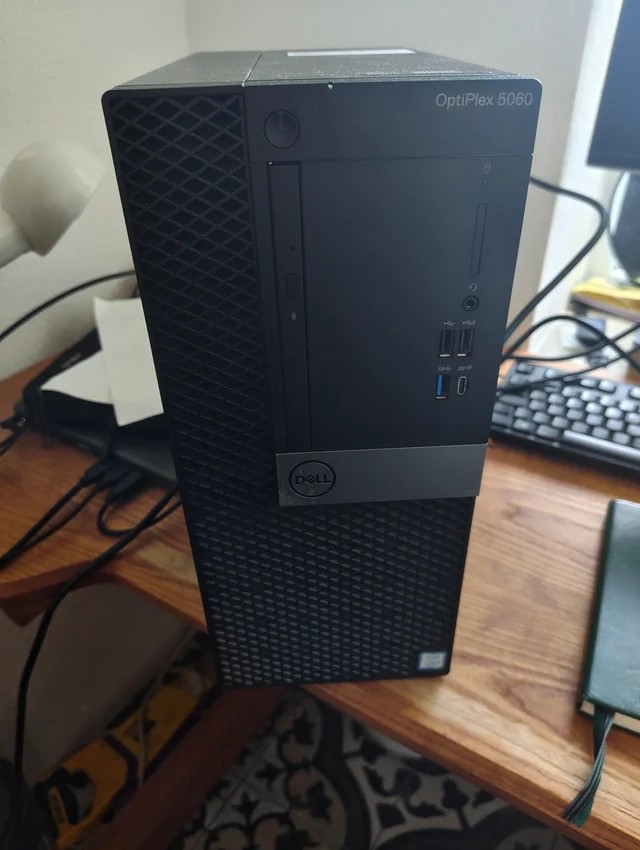
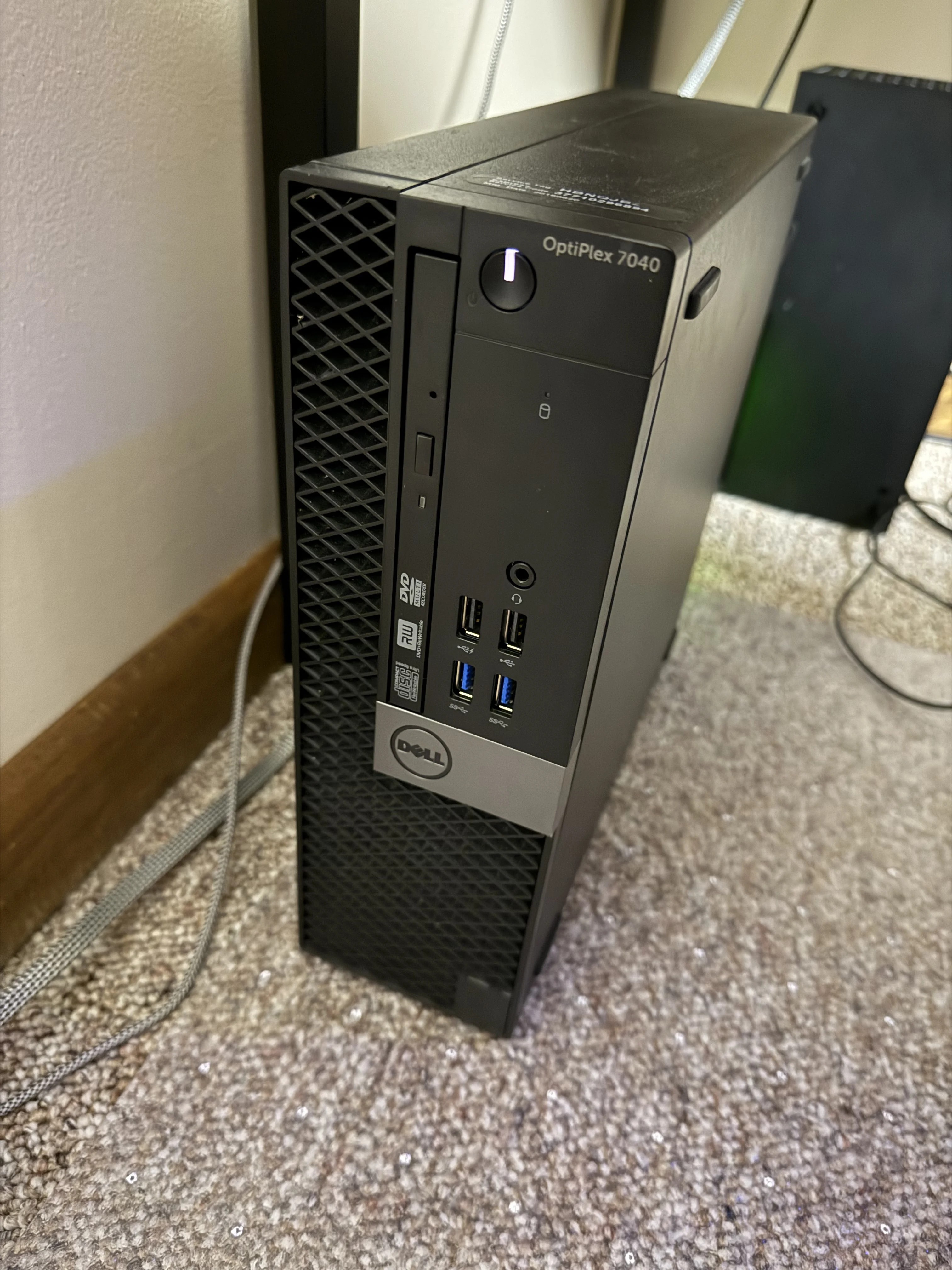
Finished-build photo coming soonCompact desktop computer used as a home server.

A closer look

Show the storage connections, cooling, and separate backup destination.Home-server dashboard displayed on a wall-mounted screen.

Assembly order

  1. Define the services. Choose file sharing, backups, or other home services, then estimate storage capacity and whether the computer will run continuously.
  2. Check the hardware. Confirm the operating system supports the computer and network adapter, and that the intended drives fit and have suitable interfaces and power.
  3. Install and update the system. Use wired Ethernet where practical, create a separate administrator account, and establish a reliable way to identify the server on your network.
  4. Configure storage and users. Back up existing drive contents before formatting, create shared folders, and grant only the permissions each user needs.
  5. Add services one at a time. Test each locally before adding another, and use authenticated remote access if needed rather than casually exposing services to the internet.
  6. Test backups and recovery. Copy important data to separate storage, restore sample files, and confirm services return correctly after a restart.

Test before final assembly

  • Back up existing files before changing the operating system or formatting any drive.
  • Test the network connection and confirm the server can be found reliably.
  • Create a normal user and check access to the intended shared folders.
  • Copy sample files to the backup destination and restore them to a different folder.

Compatibility reminders

  • Check drive interface, capacity, physical clearance, and power requirements.
  • Separate shared-file permissions from administrator access.
  • A second copy on the same drive is not a backup. Test restoring files from separate storage.

If something does not work

A drive does not appear

Confirm the drive interface, adapter support, cabling, and power. Check system detection before creating or changing partitions.

A shared folder opens for one device but not another

Check that both clients use the intended account and network. Verify share settings and filesystem permissions separately.

The server works until it restarts

Check that storage mounts and required services start automatically, then repeat the test before relying on it.

Where to save money

  • A used mini PC may already include memory and boot storage; check before buying duplicates.
  • Budget separately for adapters, drive enclosures, backup storage, and any replacement power supply.
  • Add services one at a time so you can identify which change caused a problem.