

← All projects

Project parts & buying guide

Old laptop home dashboard

Give a working spare laptop a useful second life as a calendar, weather, and household information display.

Parts for this build

Choose a part for each role. Check the exact variant and what the listing includes.

Some links may earn Cortech a commission at no extra cost to you. As an Amazon Associate I earn from qualifying purchases. Prices vary; check the retailer for current prices and availability.

Part photo coming soon

Part 1 · Qty 1

eBay search · fallback

Refurbished business laptop

Laptop computer

No specific suitable laptop listing was verified. Compare the exact model, memory, storage, battery condition, included charger, and supported operating system; local tech thrift or refurbished-computer shops are another option.

$199.99 each · $199.99 for this row

Browse refurbished laptops on eBay ↗
Part photo coming soon

Part 2 · Qty 1

Amazon search · fallback

Laptop charger matched to the exact model

Compatible charger

Identify the laptop model first. Match voltage, connector, polarity, wattage, and USB-C PD requirements; do not buy a generic charger by appearance alone.

$14.99 each · $14.99 for this row

Find a model-matched charger on Amazon ↗
Part photo coming soon

Part 3 · Qty 1

Amazon search · fallback

Adjustable laptop stand

Stand / mounting

No specific stand product page was verified. Choose a stable stand that leaves the laptop's cooling vents unobstructed.

$7.59 each · $7.59 for this row

Find a laptop stand on Amazon ↗
Part photo coming soon

Part 4 · Qty 1

Amazon search · fallback

Laptop SSD compatible with exact model

Storage upgrade (if needed)

Optional and model-dependent. Check whether the laptop uses 2.5-inch SATA or M.2 (SATA or NVMe) before buying; this search is not a confirmed compatible pick.

$26.99 each · $26.99 for this row

Browse laptop SSDs on Amazon ↗
Part photo coming soon

Part 5 · Qty 1

SunFounder

Official Raspberry Pi keyboard and mouse

Input device (if needed)

Optional wired USB keyboard-and-mouse set; confirm the laptop has an available USB port.

$49.99 each · $49.99 for this row

View SunFounder product ↗
Part photo coming soon

Part 6 · Qty 1

Amazon search · fallback

Reusable hook-and-loop cable ties

Cable management

No specific cable-tie product page was verified. Use reusable ties that secure the lead without pinching it or blocking ventilation.

$8.99 each · $8.99 for this row

Find reusable cable ties on Amazon ↗
Primary parts subtotal: $308.54
0 part prices vary by seller, model, and availability. Check each retailer listing before buying. Shipping, tax, tools, and optional extras are not included.

Read this before buying

Check 01

Test the laptop you already have before buying upgrades. Confirm the screen, network, charger, and storage work.

Check 02

Use a supported operating system and browser. Verify the intended dashboard works on that hardware.

Check 03

Place the computer on a stable surface with clear ventilation and avoid showing private calendar details in shared areas.

The finished build

Finished-build photo coming soonDell OptiPlex desktop computer selected for a home dashboard project.

A closer look

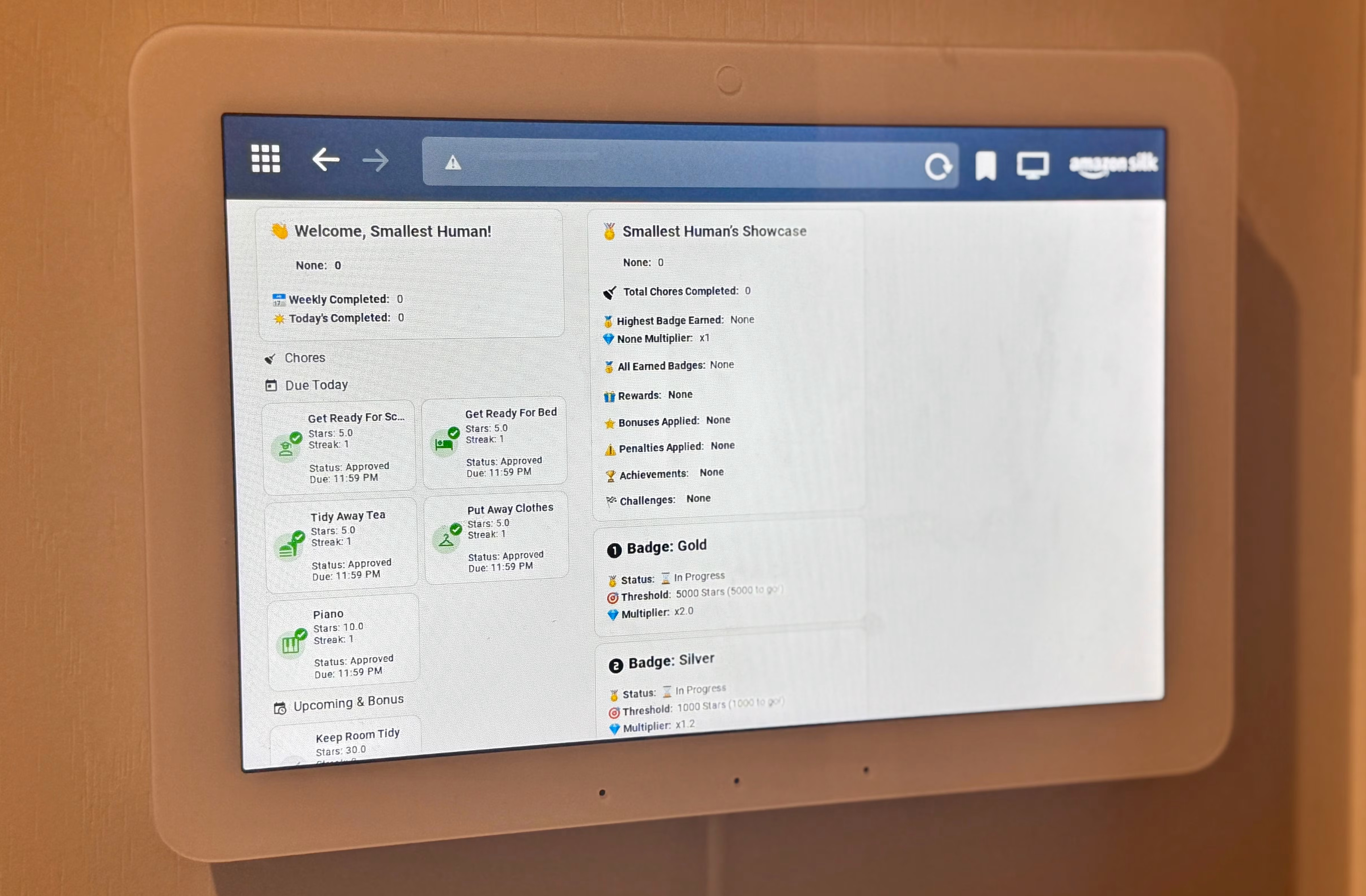
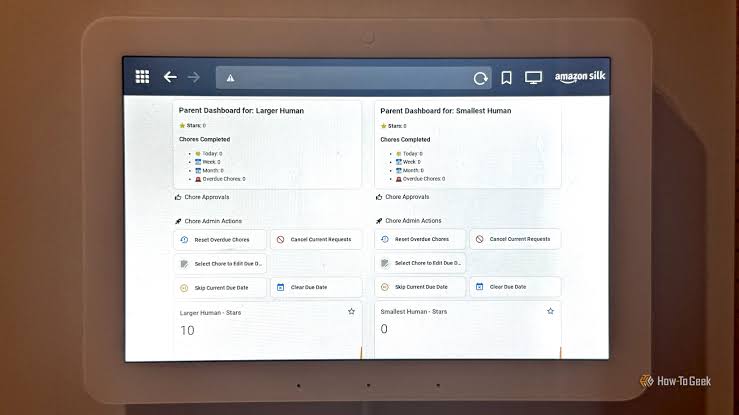
Show the stand, viewing position, ventilation, and cable management.Household chores dashboard displayed on a smart screen.

Assembly order

  1. Inspect the laptop. Confirm the screen, charger, keyboard, storage, and network work; stop using hardware with a damaged or swollen battery.
  2. Preserve anything important. Back up files before resetting the machine or replacing storage, then install a supported operating system.
  3. Choose the dashboard. Set up the calendar, weather, or household information you actually want and avoid displaying private information in a shared area.
  4. Simplify daily use. Create a dedicated account, configure the dashboard to open at sign-in, and choose readable text sizes and sensible screen-sleep settings.
  5. Position the laptop. Start with a stable tabletop stand, keep cooling vents open, and secure the charger cable without stressing its connector.
  6. Test unattended use. Check Wi-Fi reconnection, restart behavior, update prompts, and screen settings before relying on the dashboard every day.

Test before final assembly

  • Back up the laptop before resetting it or changing its storage.
  • Test each dashboard widget and check readability from the normal viewing distance.
  • Restart the computer and confirm the dashboard can be reopened easily.
  • Test Wi-Fi reconnection and screen-sleep settings over normal daily use.

Compatibility reminders

  • Inspect the laptop and charger before setup; stop using a swollen or damaged battery.
  • Choose a supported operating system and confirm browser and Wi-Fi support.
  • Keep cooling vents clear. Start with a tabletop stand before considering wall mounting.

If something does not work

It is slow just displaying a dashboard

Try fewer widgets and browser tabs first. Identify the actual bottleneck before buying memory or storage.

The display keeps going to sleep

Review the operating system’s screen and power settings and decide when the dashboard actually needs to stay visible.

It works until the network disconnects

Test reconnection and reload behavior. Check which widgets need internet access and what remains useful offline.

Where to save money

  • Look for a refurbished laptop that meets the project's needs; compare used-computer shops and tech thrift shops with online listings.
  • Start with a tabletop stand; consider wall mounting only after checking ventilation, access, and support.
  • Inspect the laptop and charger before setup. Do not use a device with a swollen or damaged battery.